
Nov 15, 2025 b7 11 min read
Designing a Portfolio Hiring Managers Actually Read
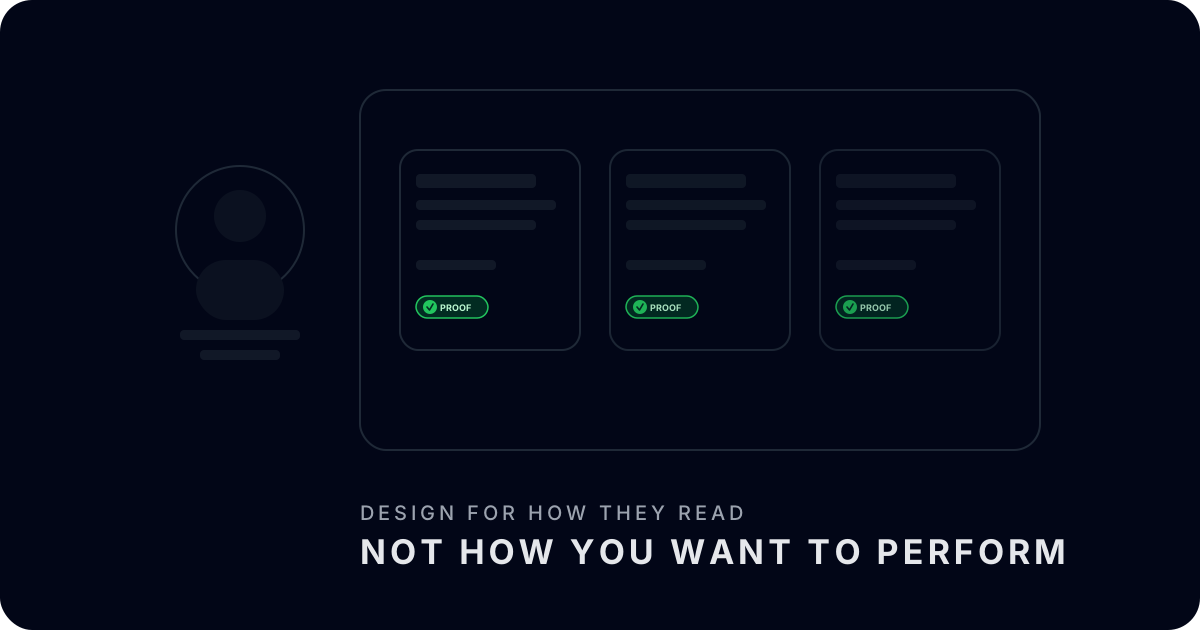
Start from the hiring manager, not from Dribbble
The average hiring manager or product leader reviewing portfolios is not curled up with a coffee, luxuriating in your typography choices. They are between back-to-back calls, skimming through a queue of tabs with a half-working mental model of the role they are trying to fill. In that state, they do not read; they pattern-match. They are asking three questions: does this person ship meaningful things, do they understand problems deeply, and can they operate at the level of this role?
Most portfolios are not designed for this reality. They are designed for a fictional audience of design peers who have time to appreciate long scroll experiences and clever microinteractions. That is why so many PM portfolios feel heavy: dense walls of text, huge hero images, and case studies buried three clicks deep. If you want your portfolio to be read instead of closed, you need to design it for the way decision-makers actually behave, not the way you wish they behaved.
Make the first 30 seconds do 80% of the work
The first 30 seconds a hiring manager spends on your FolioHub profile should answer almost everything they need to know to decide whether to dig in. That means your top-level view needs to carry more weight than your individual case-study pages. Think of it as a compressed map of your bets, outcomes, and proof, not just a pretty landing page.
Practically, that looks like a tight headline that anchors what kind of work you do best, a small number of flagship stories with visible proof signals, and a clear sense of scope: company stages, problem domains, and types of bets. If a director of product can read only your top fold and still have an accurate, if coarse, picture of you, you are doing it right. The case studies are there to backfill detail once they are interested.
Treat case studies as API endpoints, not novels
A good case study behaves more like an API endpoint than a novella. Someone should be able to hit it quickly, pull the fields they care about, and move on. At minimum, that means exposing problem, bet, constraints, approach, and outcomes in a consistent structure. It also means keeping each field tight. Five sharp sentences beat five screens of meandering narrative.
In FolioHub, this maps nicely to the way stories are structured: you can surface key metrics, decision points, and receipts without forcing people to wade through process for its own sake. If a hiring manager wants to go deeper, they can drill into attached artifacts—dashboards, docs, design explorations—but you have not made that mandatory for them to get the gist.
Design for scanning, then for reading
Humans scan before they read. Your portfolio should lean into that. Use clear section headings that map to how product leaders think: problems, bets, tradeoffs, impact, reflection. Use consistent visual patterns for things like metrics and truth tiers so that once someone learns the pattern, they can skim new stories quickly. Avoid visual noise: too many colors, competing fonts, or gratuitous motion all make it harder for a tired brain to parse signal.
One practical move is to write your stories in a plain text editor first, then paste them into your portfolio tool. That forces you to win on clarity before you win on aesthetics. Only after the skeleton is tight should you think about visual polish. FolioHub is intentionally opinionated here: it gives you just enough control to feel like it is yours, but not enough rope to hang yourself with a bespoke, unreadable layout.
Show your operating range, not your greatest hit
Another failure mode in portfolios is over-indexing on a single flagship project. It is tempting to pour all your attention into the one story you are proudest of. The risk is that you end up looking like a one-trick pony. Hiring managers want to understand your operating range: have you done zero-to-one work, growth work, turnaround work, platform work? Have you operated in different company stages and constraint sets?
You do not need twenty stories to show this. Three to five well-chosen case studies, each with a distinct role in your narrative, are usually enough. In FolioHub, you can tag stories by problem type and stage, and then use your profile layout to foreground that mix. The goal is for someone to scroll your page and think, ‘this is the kind of portfolio I would expect from a strong senior PM or product leader at the level we are hiring for.’
Invite conversation, not just consumption
Finally, treat your portfolio as an invitation to a specific kind of conversation, not just a static artifact. The best FolioHub profiles make it easy for a hiring manager to say, ‘I want to spend our interview talking about this bet, this metric, and this tradeoff.’ You can help them by including short reflection sections: what you would do differently now, what you misjudged, what surprised you. That shows humility and learning speed—traits that rarely show up in generic case studies.
Make it crystal clear how to contact you and what kind of work you are looking for next. If you are open to consulting, say so. If you want to avoid certain domains, say that too. Clarity is a gift to busy people. A portfolio that is honest about both your strengths and your preferences is far more likely to generate the kinds of opportunities that actually fit you.
Putting it all together in FolioHub
When you apply these principles inside FolioHub, you end up with something that feels very different from a traditional portfolio site. The visual language is simple and dark by default so that proof stands out. Stories are structured around problems, bets, and outcomes. Receipts are attached to specific claims. NDAs are respected through redaction and truth tiers. And the overall profile reads more like a product leader's logbook than a marketing brochure.
If you are rebuilding your portfolio today, do not start with a template gallery. Start with a blank page and a single question: ‘If a skeptical hiring manager had five minutes with my work, what would I want them to see and believe?’ Then use FolioHub as the container that makes that answer legible. Design for the reader you actually have, and your portfolio will finally start doing the quiet, compounding work it was always supposed to do.